How-To Guides
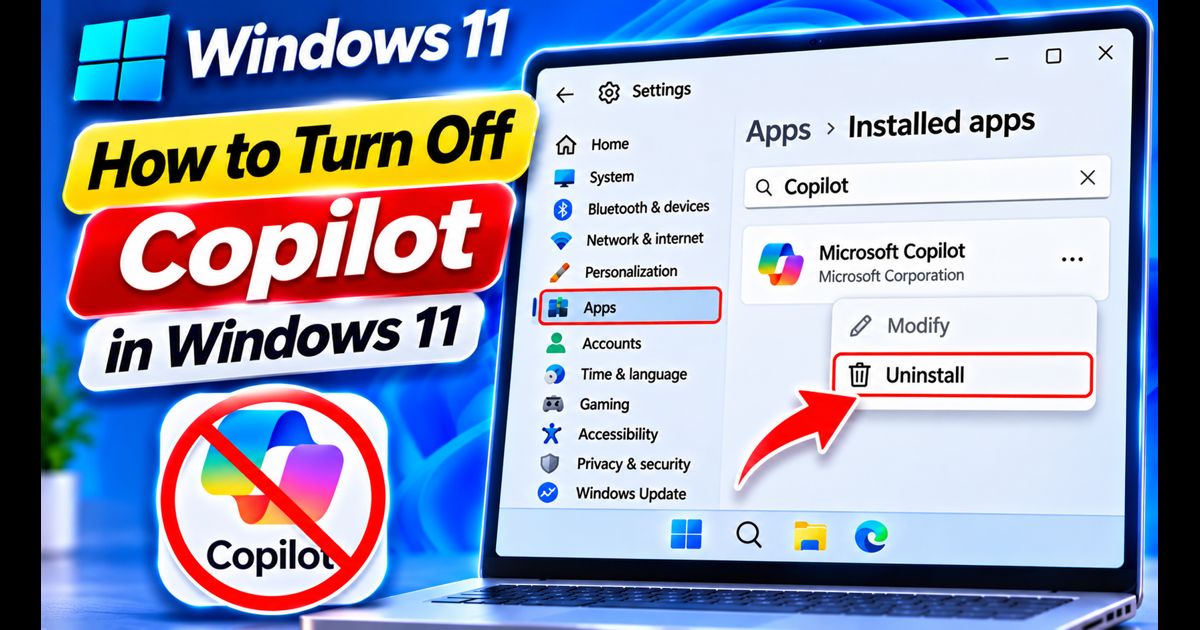
How to Turn Off Copilot in Windows 11 (Disable or Hide Completely)
Reclaim screen space and stop AI popups by hiding or completely disabling Microsoft Copilot in Windows 11 via Settings, Group Policy, and Registry.
Reclaim screen space and stop AI popups by hiding or completely disabling Microsoft Copilot in Windows 11 via Settings, Group Policy, and Registry.
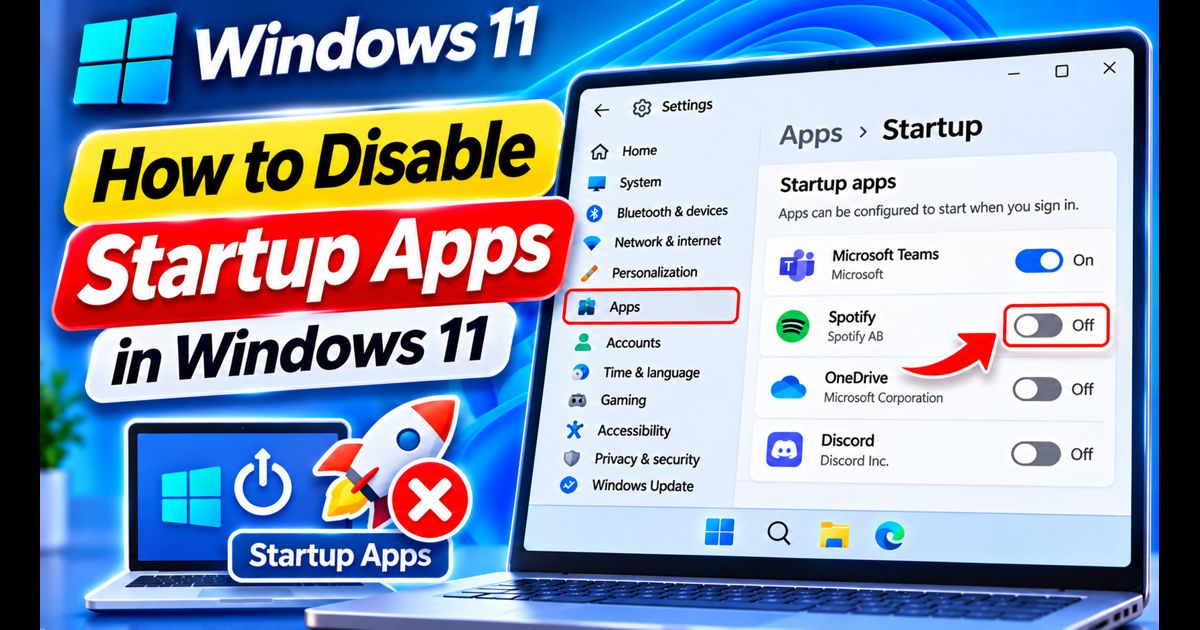
Speed up your Windows 11 boot time and free up RAM by stopping unnecessary programs from launching automatically at startup.
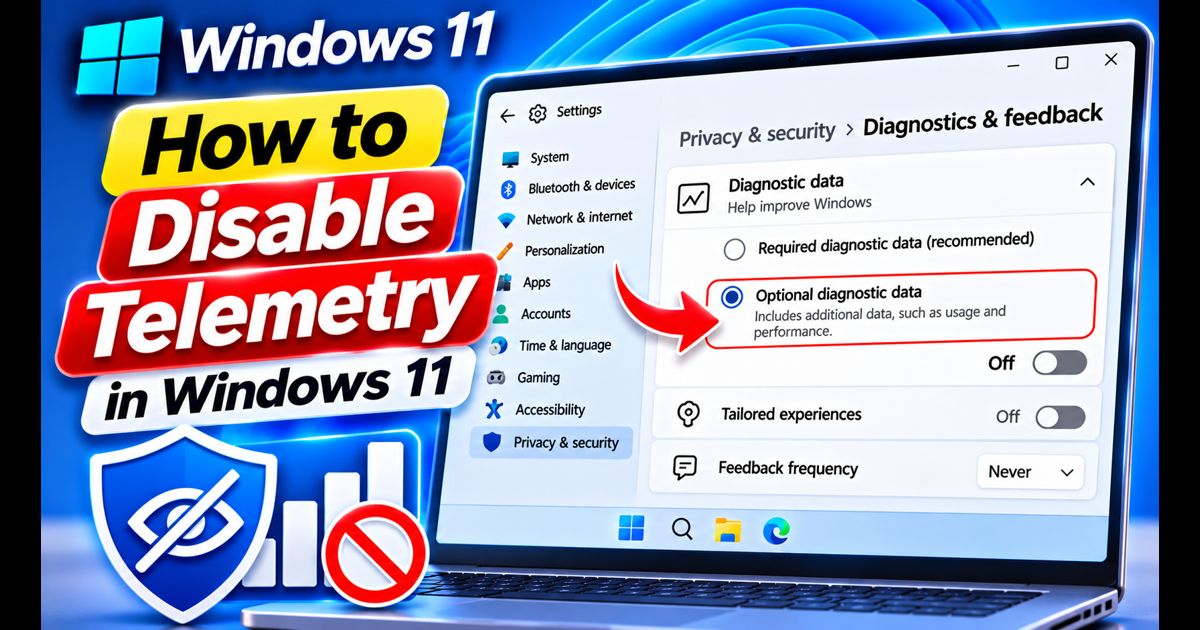
Take control of your digital privacy by disabling background diagnostic tracking, tailored advertising, and telemetry services in Windows 11 safely.
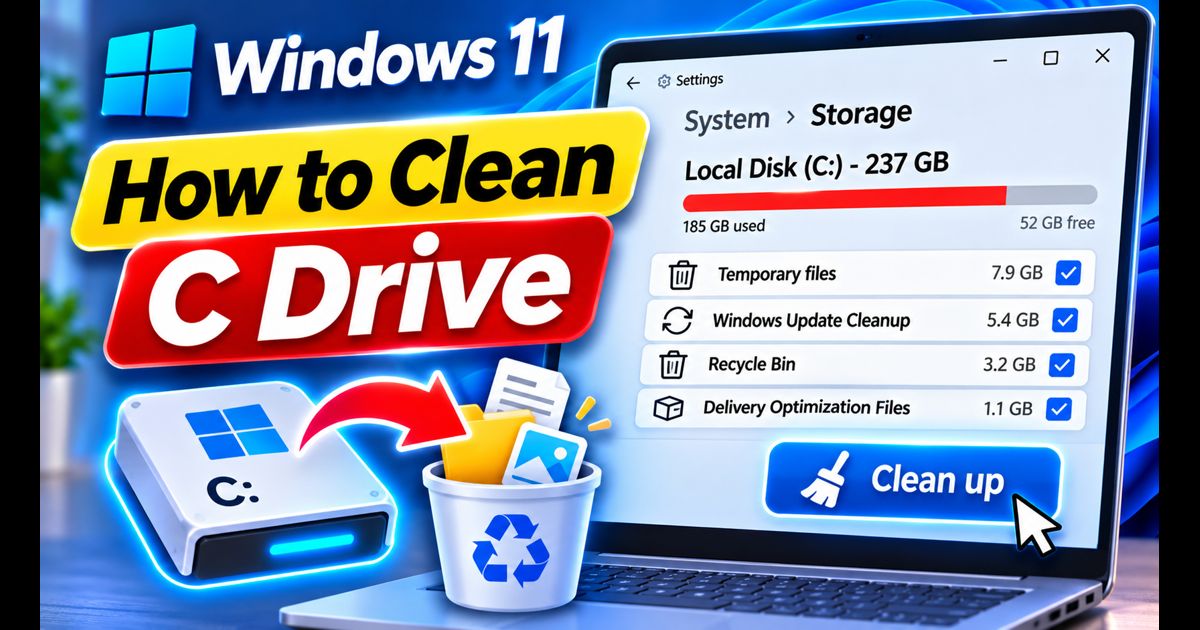
Is your Windows 11 system drive showing a red storage bar? Here are 5 safe, proven ways to reclaim over 20GB of disk space without deleting personal files.
A clean, safe guide to removing pre-installed bloatware, telemetry packages, and sponsored apps from Windows 11 using native Settings, PowerShell, and Winget.
Is your Windows 11 PC lagging or taking too long to boot? Here are 7 verified, practical tweaks to reduce RAM usage, eliminate startup delay, and restore system responsiveness.