5 Best Free Photoshop Alternatives in 2026 (No Subscription Required)
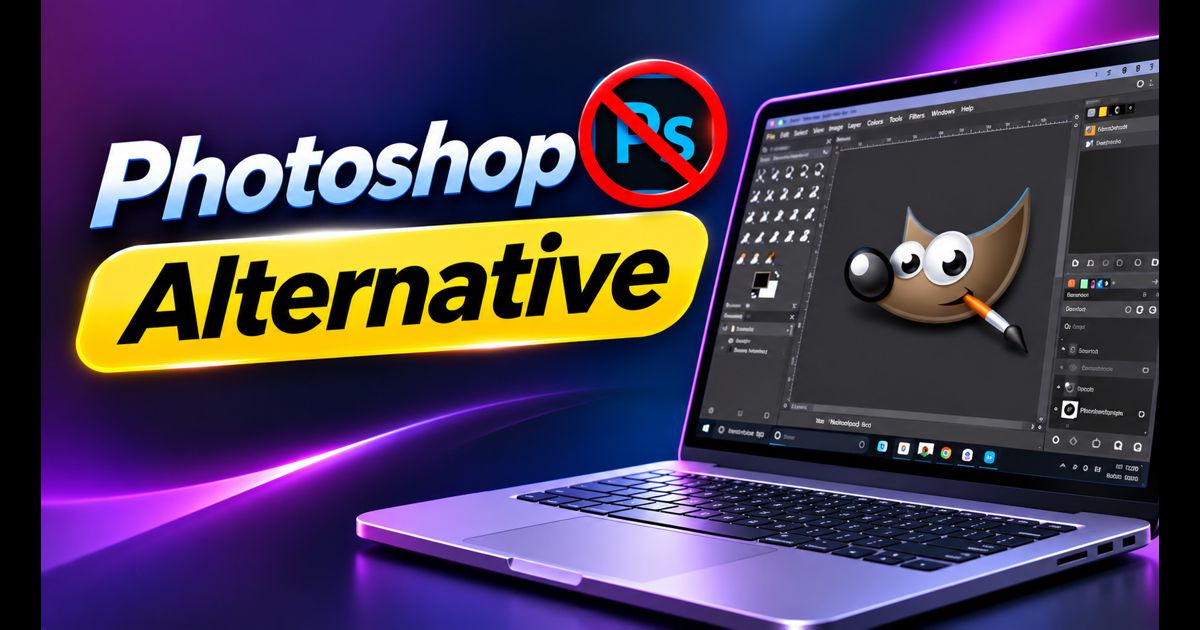
Adobe Photoshop remains the undisputed industry standard for professional raster image editing, digital art, and complex photo manipulation. However, Adobe's transition to a perpetual Creative Cloud subscription model—costing upwards of $240 to $600 annually—has left hobbyists, freelance creators, and budget-conscious professionals searching for capable, cost-effective options.
Fortunately, the landscape of digital imaging software has matured dramatically. Today, several free, open-source, and freemium programs deliver layer-based workflows, advanced selection masks, RAW processing, and even direct native PSD file compatibility without requiring monthly subscription fees.
Quick Answer: What Is the Best Free Photoshop Alternative?
For immediate in-browser editing with an interface almost identical to Photoshop, Photopea is the best free alternative because it opens native .PSD files, supports layer masks, and requires zero installation. If you prefer a powerful, fully offline open-source desktop program with an extensive third-party plugin ecosystem, GIMP remains the premier choice.
1. Photopea (Best Overall Browser-Based Photoshop Clone)
If you placed Photopea side-by-side with Adobe Photoshop, you would struggle to spot the visual differences. Developed as an advanced web application, Photopea runs entirely inside any modern web browser using client-side WebGL acceleration.
- PSD File Support: Opens, edits, and saves layered
.PSDfiles with smart objects, adjustment layers, text styles, and layer blending modes intact. - Zero Installation: Works instantly on Windows, macOS, Linux, and even Chromebooks without downloading installation binaries.
- Privacy: All image processing takes place locally inside your browser memory; your private photos are never uploaded to external remote servers.
- Where it falls short: Because it operates inside a browser window, handling massive 500MB+ multi-gigapixel canvas files can hit browser memory limits. Free users see a single, non-intrusive sidebar advertisement that can be removed with a modest one-time donation.
2. GIMP (Best Open-Source Desktop Powerhouse)
The GNU Image Manipulation Program (GIMP) is the longest-running free, open-source alternative to Photoshop. Available across Windows, Mac, and Linux, it provides a comprehensive suite of professional tools.
- Comprehensive Feature Set: Full support for bezier paths, layer masks, perspective cloning, channel manipulation, and automated batch scripting via Python.
- Extensive Plugin Ecosystem: Decades of community development mean GIMP supports thousands of third-party filters, brushes, and specialized color profile scripts.
- Customizable Interface: With modern releases featuring single-window mode and dark themes, you can customize dockable tool palettes to match your editing rhythm.
- Where it falls short: GIMP's keyboard shortcuts and terminology differ slightly from Adobe's conventions (e.g., how transformation bounding boxes behave), which requires a short learning curve for long-time Photoshop veterans.
3. Krita (Best for Digital Artists and Illustrators)
While originally designed as a general raster editor, Krita has evolved into the world's most beloved free open-source digital painting and concept art studio. If your primary reason for using Photoshop is illustration, sketching, or comic creation, Krita actually surpasses Adobe in several areas.
- World-Class Brush Engine: Includes brush stabilizers to smooth shaky line work, dynamic brush customizers, and seamless texture pattern wrapping.
- Drawing Tablet Optimization: Unmatched stylus pressure curve sensitivity, tilt support, and native canvas rotation.
- Built-in 2D Animation: Features a full frame-by-frame timeline with onion skinning for hand-drawn animators.
- Where it falls short: Krita excels at creative painting and line art, but it has fewer specialized photographic tools (like content-aware photo healing or frequency separation) compared to Photoshop or GIMP.
4. Paint.NET (Best Lightweight Windows Photo Editor)
Originally designed as an undergraduate project mentored by Microsoft, Paint.NET has grown into an exceptionally fast, reliable Windows-exclusive photo editor.
- Blazing Fast Performance: Built natively using the .NET framework, Paint.NET launches instantly and consumes minimal system memory, making it ideal for older laptops.
- Essential Layering Tools: Supports blending layers, transparency, curves, hue adjustments, and sharpening filters without overwhelming beginners.
- Active Plugin Community: Users can install free community plugins to add PSD reading capabilities, drop shadow effects, and advanced blur algorithms.
- Where it falls short: Exclusive to Windows operating systems, with limited vector path manipulation tools.
5. Pixlr (Best Quick AI Retouching Tool)
Pixlr offers two browser-based editing suites: Pixlr X (for quick social media graphic templates and simple filters) and Pixlr E (for full photo manipulation with layer hierarchies).
- Automated AI Tools: Features automated one-click background removal and quick object selection.
- Mobile & Web Sync: Accessible seamlessly on desktop browsers and mobile devices.
- Where it falls short: Pixlr has shifted toward a freemium model with limits on daily high-resolution exports for free tier accounts.
Side-by-Side Comparison: Top 5 Photoshop Alternatives
| Software | Platform | Offline / Online | Native PSD Support? | Primary Strength |
|---|---|---|---|---|
| Photopea | Web (Any OS) | Online (Cached offline) | Excellent (100%) | Identical Photoshop UI & keyboard shortcuts |
| GIMP | Windows, Mac, Linux | 100% Offline | Good (Imports layers) | Powerful scripting & deep plugin ecosystem |
| Krita | Windows, Mac, Linux | 100% Offline | Moderate | Digital painting, brush engine & illustration |
| Paint.NET | Windows | 100% Offline | Via Free Plugin | Ultra-lightweight speed on low-spec hardware |
| Pixlr | Web, iOS, Android | Online | Limited | Quick social graphics & one-click AI masks |
Do You Really Need Adobe Photoshop?
If you work in a high-end commercial prepress print studio that demands strict CMYK pantone color separations, or if your design agency workflow mandates shared Cloud Libraries, Photoshop still retains a tight grip on commercial pipelines.
However, for 90% of creators—including web developers, YouTube thumbnail designers, photographers color-grading RAW files, and students—free software provides all the power you need with zero overhead. Running lightweight native tools also prevents system slowdowns; for tips on tuning your workstation, read our guide on how to speed up Windows 11.
Frequently Asked Questions
Can GIMP open and save Photoshop .PSD files?
Yes. GIMP can import and export .PSD files with basic layers, opacity settings, and blending modes intact. However, proprietary Photoshop features like vector shape layers and adjustment layer clipping masks may be flattened upon import.
Is Photopea completely free to use?
Yes. Photopea is fully free and does not watermark exported images. All core tools, export formats (PNG, JPG, SVG, WebP, PDF), and layer features are accessible without creating an account or paying fees.