5 Best Free Notion Alternatives in 2026 (Offline & Open Source)
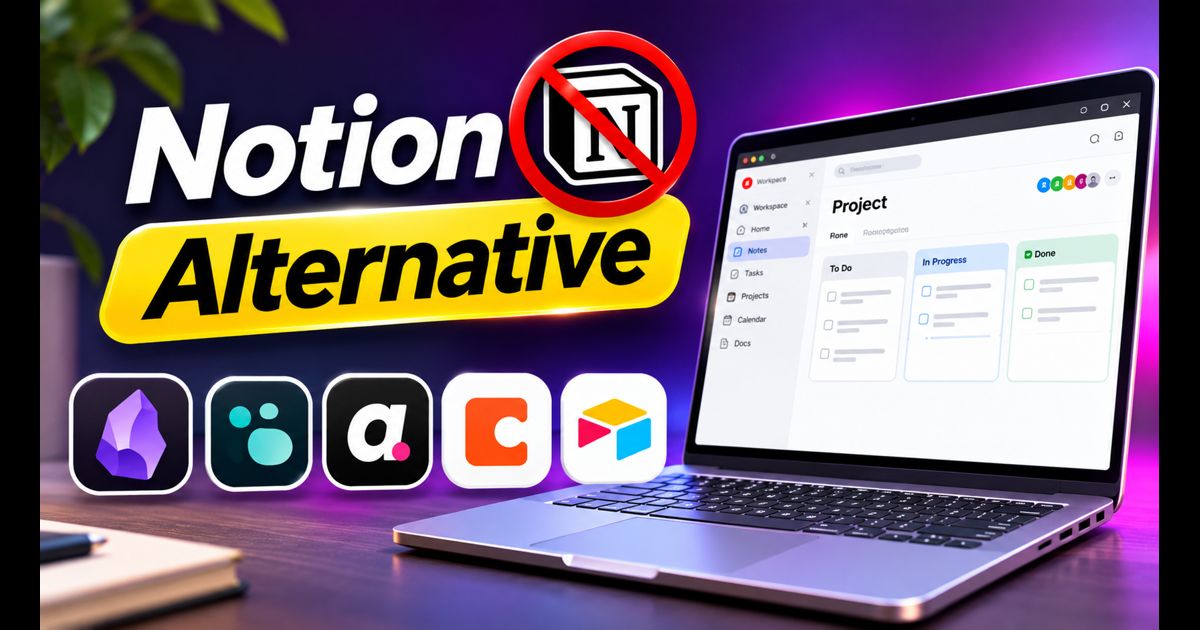
Notion revolutionized the productivity world by combining notes, relational databases, wikis, and task kanban boards into a modular all-in-one workspace. However, as users build expansive personal wikis and company dashboards, significant pain points frequently emerge: mandatory cloud-only storage, sluggish loading speeds on large databases, lack of native offline access, and the absence of end-to-end encryption.
If you value digital privacy, blazing-fast local performance, or simply want full ownership over your knowledge archive in open formats, several outstanding free and open-source Notion alternatives have taken the tech world by storm.
Quick Answer: What Is the Best Free Notion Alternative?
For individuals who want a blazing-fast, future-proof personal knowledge base that works 100% offline, Obsidian is the best alternative because it stores everything as plain Markdown files on your hard drive. If you need a direct open-source clone that mimics Notion's exact modular blocks, Kanban boards, and database tables, AppFlowy is the premier open-source choice.
1. Obsidian (Best Local-First Knowledge Base & Second Brain)
Obsidian has become the darling of researchers, developers, and power users. Unlike Notion's centralized cloud database, Obsidian operates strictly on a local-first architecture.
- Plain Text Markdown: Your notes are saved as standard
.mdtext files inside a folder (called a "Vault") on your computer. If Obsidian were to vanish tomorrow, your data remains completely readable in any text editor forever. - Bidirectional Linking & Graph View: Connect ideas seamlessly using
[[wikilinks]]and visualize how concepts intersect using an interactive neural-like 2D/3D Graph View. - Vast Community Plugin Library: Over 1,500 free community plugins allow you to add Kanban boards, relational database queries (via Dataview), calendar integration, and custom themes.
- Where it falls short: Out of the box, Obsidian is a text-focused Markdown editor. Replicating Notion's database-table look requires installing community plugins like Dataview or Projects.
2. AppFlowy (Best Direct Open-Source Notion Clone)
If you love Notion's aesthetic, slash commands (/), and database tables but hate cloud telemetry, AppFlowy was created specifically as an open-source, privacy-first Notion alternative.
- Familiar Block-Based Interface: Built with Flutter and Rust, AppFlowy offers a snappy user interface with grid views, Kanban boards, calendars, and rich text formatting blocks.
- Total Data Ownership: Operates entirely offline by default with local SQLite storage, or you can self-host the sync backend on your own server using Docker.
- Native Speed: Because it compiles natively to desktop machine code rather than running inside an Electron browser wrapper, it launches in a fraction of a second.
- Where it falls short: AppFlowy is evolving rapidly, but its mobile applications and web clipper ecosystem are younger than Notion's mature platform.
3. Logseq (Best for Outlining, Journals & Privacy)
Logseq is a privacy-first, open-source outliner that treats every daily thought as an interconnected node. Like Obsidian, your data lives locally on your disk in plain text Markdown or Org-mode formats.
- Daily Journal Workflow: Opens automatically to today's date, encouraging a friction-free stream-of-consciousness journaling habit.
- Whiteboards & Flashcards: Features an integrated visual canvas whiteboard to diagram thoughts and built-in spaced repetition flashcards for learning.
- Built-in PDF Annotation: Highlight and pull cited quotes directly from PDF documents into your linked notes—ideal for academic researchers.
- Where it falls short: Its strict outliner bullet-point structure can feel rigid for people who prefer traditional free-flowing document layouts.
4. Anytype (Best Encrypted, Decentralized P2P Workspace)
Anytype is an ambitious, beautiful productivity suite designed for the decentralized web. It combines block-based documents with an object-oriented database system.
- End-to-End Encryption: Every byte of your data is encrypted with a private 12-word seed key that only you control. Neither Anytype nor third parties can read your documents.
- Peer-to-Peer Sync: Devices sync directly with one another over your local Wi-Fi network without routing private data through corporate cloud hubs.
- Object-Based Architecture: Everything—notes, tasks, contacts, bookmarks, and projects—is treated as an interconnected database object.
- Where it falls short: The object-oriented data paradigm requires adjusting how you think about organizing folders compared to standard file systems.
5. AFFiNE (Best Hybrid for Docs, Whiteboards & Slides)
AFFiNE describes itself as the open-source alternative to both Notion and Miro, bridging the gap between structured text documents and infinite spatial whiteboards.
- One-Click Doc to Whiteboard: Toggle any linear text document into an infinite visual whiteboard canvas where blocks can be arranged spatially.
- Local-First & Cloud Hybrid: Works offline seamlessly with conflict-free replicated data types (CRDTs) and offers self-hosting options.
- Where it falls short: Database filtering and multi-table formula relations are still developing compared to Notion's enterprise formulas.
Side-by-Side Comparison: Top 5 Notion Alternatives
| Application | Storage Location | Open Source? | Works 100% Offline? | Primary Strength |
|---|---|---|---|---|
| Obsidian | Local (Plain Markdown) | No (Free for personal) | Yes (100%) | Linked thinking, speed & massive plugin library |
| AppFlowy | Local / Self-hosted | Yes (AGPL-3.0) | Yes (100%) | Closest direct open-source Notion UI replacement |
| Logseq | Local (Markdown/Org) | Yes (GNU GPL) | Yes (100%) | Daily outliner journals, PDF annotations & flashcards |
| Anytype | Local / P2P Encrypted | Yes (Open source) | Yes (100%) | Zero-knowledge encryption & object databases |
| AFFiNE | Local-first / Cloud | Yes (MIT Open source) | Yes (100%) | Seamless fusion of text docs and visual whiteboards |
Why Thousands of Creators Are Migrating Away from Notion
The primary driver behind the exodus from Notion is data sovereignty. When you store your entire life or business roadmap inside a proprietary cloud database, you risk service outages during critical work hours and potential data loss if an account is flagged. Local-first tools guarantee instant loading times, zero lag when opening massive databases, and total immunity from cloud server downtime.
To ensure your local workstation maintains lightning-fast responsiveness when handling large databases, follow our essential performance checklist on how to speed up Windows 11.
Frequently Asked Questions
Can I export my existing Notion workspace to Obsidian or AppFlowy?
Yes. Notion allows you to export your entire workspace as a ZIP archive of Markdown files and CSV tables (via Settings > Export all workspace content). Obsidian and AppFlowy feature built-in Notion importers that convert your pages, sub-pages, and attachments automatically.
Is Obsidian free for commercial or business use?
Obsidian is 100% free for personal, educational, and non-profit use without any feature restrictions. If you use Obsidian for revenue-generating work within a company that employs two or more people, a commercial license is required.